
By admin
How to Choose the Right Tech Stack for Mobile App Development
Choosing the right tech stack is one of the most critical decisions for any mobile app development project. Whether you’re building an app for iOS, Android, or both, the tech stack you select will influence everything from performance to scalability and user experience. With numerous frameworks, libraries, and platforms available, making the right choice is crucial for your project’s success. In this blog, we’ll guide you through the key considerations for selecting the ideal tech stack for your mobile app development.
Understand Your App’s Requirements
Overview:
Key Considerations:
- Platform: Will the app be native to iOS or Android, or do you need a cross-platform solution?
- Functionality: Will the app need heavy computations, data storage, or media processing?
- User Experience: Will the app have real-time features such as messaging, notifications, or live streaming?
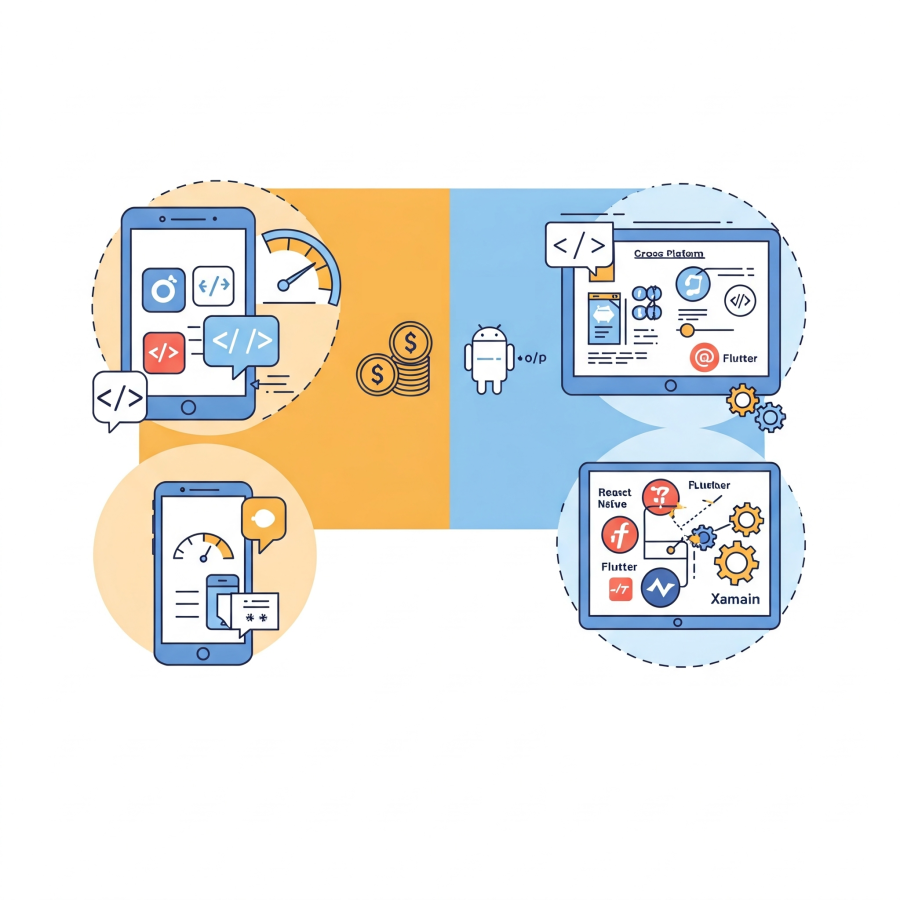
Native vs. Cross-Platform Development
Native Development
- Pros: Optimized performance, access to device-specific features, high-quality UX/UI.
- Cons: Requires separate codebases for iOS and Android, leading to higher development and maintenance costs.
- Pros: One codebase for both platforms, faster time-to-market, cost-effective.
- Cons: Slightly reduced performance compared to native apps, may face limitations when accessing certain device-specific features.
If you need a quick, cost-effective solution with the ability to scale rapidly, cross-platform development with frameworks like Flutter, React Native, .Net MAUI, or Xamarin is an ideal choice. However, for apps requiring superior performance and custom functionality, native development remains the preferred approach.
Selecting the Right Programming Language
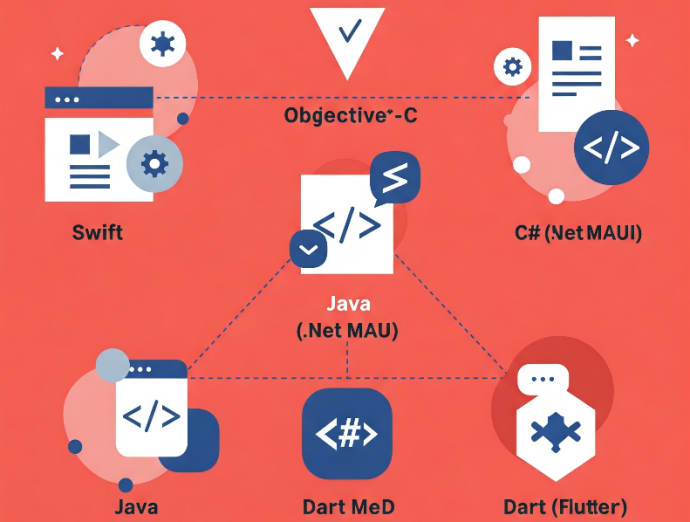
For Native iOS Development:
- Swift: Modern, fast, and designed specifically for iOS development. Ideal for building intuitive and performance-oriented apps.
- Objective-C: Older but still widely used in legacy iOS apps. It can be integrated with Swift for compatibility purposes.
- Kotlin: Google’s preferred language for Android apps. It’s concise, modern, and fully interoperable with Java.
- Java: Although it's been around for a long time, Java is still highly relevant in Android development, especially for legacy apps.
- C# (.Net MAUI): Uses a single codebase for both iOS and Android.
- Dart (Flutter): Known for its fast development cycle and growing popularity for creating highly customizable UIs.
Backend Infrastructure and Database
- Node.js: A lightweight and fast server-side technology ideal for real-time apps and handling a large number of concurrent connections.
- Python (Django, Flask): Great for data-intensive applications, offering an easy-to-use environment with robust security features.
- Ruby on Rails: Known for rapid development, making it suitable for startups building MVPs or simple mobile apps.
- SQL Databases (PostgreSQL, MySQL): Best for structured data and complex queries.
- NoSQL Databases (MongoDB, Firebase): Perfect for handling unstructured data, high availability, and fast read/write operations.

Tools and Frameworks for Frontend Development
- .Net MAUI (Xamarin): Popular for cross-platform app development. It allows developers to write code once and deploy on both iOS and Android.
- Flutter: Offers high performance and expressive UIs, allowing developers to create customized interfaces for both platforms.
- SwiftUI (for iOS): Apple’s framework for building user interfaces with Swift, offering an intuitive UI design process.
- Jetpack Compose (for Android): A modern toolkit for Android UIs, built to be more declarative and simple to use.
API Integration
- Faster Development: APIs allow you to integrate complex features like payments, social media sharing, or maps without building them from scratch.
- Scalability: APIs offer a way to add new features or connect to different services without disrupting the app’s core functionality.
- Real-time Updates: APIs are essential for apps that need real-time data, such as social networking, e-commerce, or news apps.
Testing and QA Tools
- Appium: Open-source tool for automated testing of mobile apps.
- Selenium: Useful for testing web-based apps on mobile devices.
- XCUITest and Espresso: Native tools for iOS and Android, respectively, offering robust testing environments.
